



Key Takeaways
- How to remove location from Google Maps depends on what you are removing: a saved place, a business listing, or your personal location history
- Business owners cannot instantly delete a Google Business listing as Google controls final approval, but marking it permanently closed speeds up removal
- Deleting your Google Maps location history is irreversible, so review entries carefully before confirming deletion
- Adjusting Google Maps privacy settings prevents future location tracking and gives you ongoing control over what Google stores about your movements
Introduction
Knowing how to remove location from Google Maps is useful for several different reasons. You may have a saved place that is outdated, a business listing that no longer exists, or a location history you want cleared for privacy. Each situation follows a different process, and understanding which one applies to you saves time. This guide covers all three scenarios step by step, for both mobile and desktop, along with Google Maps privacy settings to prevent unwanted tracking going forward.
How to Delete Saved Places on Google Maps
Delete saved places Google Maps stores under your account when you no longer want a location in your lists.
On Mobile:
- Open the Google Maps app and tap the Saved tab at the bottom of the screen
- Select the list containing the location you want to remove, such as Favourites or Want to Go
- Tap the location to open its details
- Tap the Saved button and deselect all lists where the location appears
- The location is removed from your saved places immediately
On Desktop:
- Go to Google Maps and log in to your Google account
- Click the menu icon (three horizontal lines) and select Your Places
- Navigate to the Saved tab and locate the entry
- Click the Saved icon on the location card and deselect all lists to remove it
This process only removes the location from your personal account. It does not delete the place from Google Maps for other users.
How to Remove Google Business Listing from Google Maps
Removing a Google Business listing requires a different approach, and it is important to understand one key limitation: business owners cannot instantly delete a listing from Google Maps. Google controls final approval, and the listing may continue appearing even after a removal request.
If Your Business Is Permanently Closed:
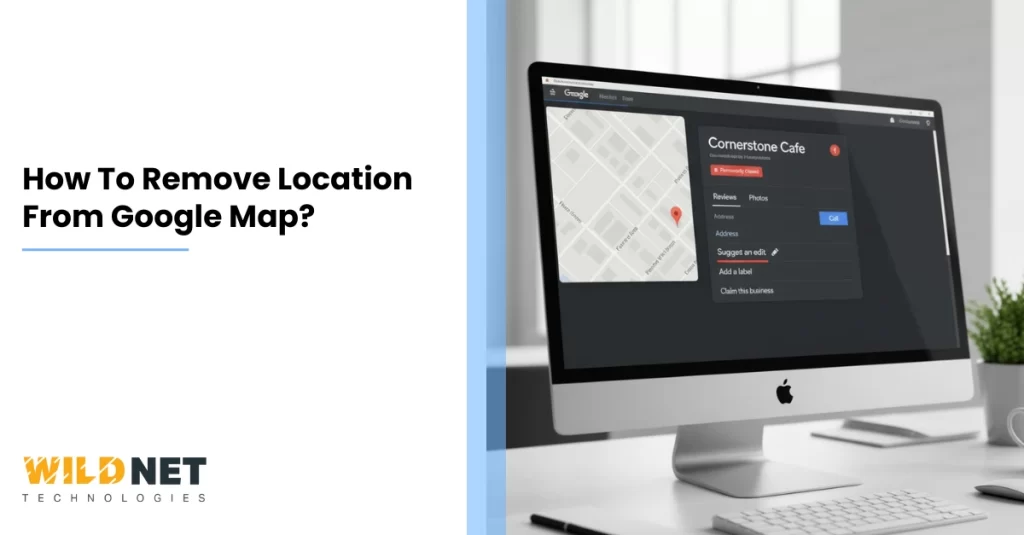
- Go to Google Maps and search for your business listing
- Click Suggest an Edit underneath the contact information
- Select Close or Remove
- Choose Permanently Closed as the reason and submit
Google recommends marking a listing as permanently closed before requesting full removal. This signals to the algorithm that the location is no longer active and accelerates the process of dropping it from local search results and Maps.
Through Google Business Profile:
- Log in to your Google Business Profile dashboard
- Select the location you want to remove
- Click the three-dot Actions menu and select Remove Location
- Follow the on-screen confirmation steps
Even after completing these steps, the listing may still appear for a period of days to weeks while Google processes the removal. If the listing reappears after removal, submit the Suggest an Edit request again. Multiple removal requests from different users can accelerate Google’s review.
How to Delete Google Maps Location History
Your Google Maps location history is stored in the Timeline feature and logs every place you visit while location services are active. Here is how to remove it.
Delete Specific Timeline Entries:
- Open Google Maps and tap your profile picture
- Tap Your Timeline
- Navigate to the date or location entry you want to remove
- Tap the three-dot menu next to the entry and select Delete
Delete All Location History:
- Open Google Maps and tap your profile picture
- Tap Your Timeline
- Tap the three-dot menu at the top right
- Select Settings and Privacy
- Scroll to Delete All Location History and confirm
Deleted Google Maps location history cannot be recovered. Review your entries carefully before confirming bulk deletion.
Conclusion
How to remove location from Google Maps covers three distinct actions: deleting saved places from your personal account, submitting a Google Business listing removal for closed or incorrect businesses, and clearing your Google Maps location history for privacy. Each process is straightforward when you follow the correct steps for your scenario. Combine these with updated Google Maps privacy settings to maintain ongoing control over what Google stores and displays about your locations.
Over 20 years, Wildnet Technologies has grown from a digital marketing firm into a full-stack, AI-native growth partner with 350+ in-house experts, 2,100+ projects delivered globally, and a track record of turning brands into market leaders. We don’t just run campaigns; we build digital ecosystems.
Ready to grow? Here’s how we can help:
SEO Services: We go beyond rankings. Our SEO strategies combine technical precision, AI-driven insights, and content authority to put your brand in front of the right audience at the right moment consistently.
Digital Marketing Services: From awareness to conversion, we build full-funnel digital strategies tailored to your industry, audience, and growth stage so every rupee you spend works harder.
Social Media Marketing Services: We turn your social media presence into a revenue channel with platform-specific strategies, data-backed content planning, and engagement frameworks that build communities, not just follower counts.
4,100+ brands chose Wildnet Technologies to grow smarter online. It’s your turn.
FAQs
1. How do I remove location from Google Maps on mobile?
To delete saved places, open the Google Maps app, tap the Saved tab, find the location, tap it to open details, and deselect all saved lists. To remove a business listing, search for it on Maps, tap Suggest an Edit, and select Close or Remove.
2. Can I permanently remove a Google Business listing from Maps?
You can request removal of a Google Business listing by marking it as permanently closed through Suggest an Edit or your Google Business Profile dashboard. However, Google controls final approval and the listing may remain visible for days to weeks while under review.
3. How do I delete my Google Maps location history?
Open Google Maps, tap your profile picture, select Your Timeline, tap the three-dot menu, and choose Settings and Privacy. From there you can delete individual entries or select Delete All Location History.
4. How do I stop Google Maps from tracking my location?
Go to Google Maps privacy settings through Your Timeline, tap Location and Privacy Settings, and turn off Timeline. You can also set automatic deletion intervals of 3, 18, or 36 months.
5. What do I do if a removed location reappears on Google Maps?
If a location reappears after removal, submit another Suggest an Edit request through Google Maps and select Close or Remove again.
Read More
- How to Change Business Location on Google Maps After Moving Your Business
- How to Add Places in Google Maps: Complete Guide for Business Visibility
- How to Register for Google Maps to List Your Business Locally
- How to Update a Location on Google Maps for Accurate Business Listings
